

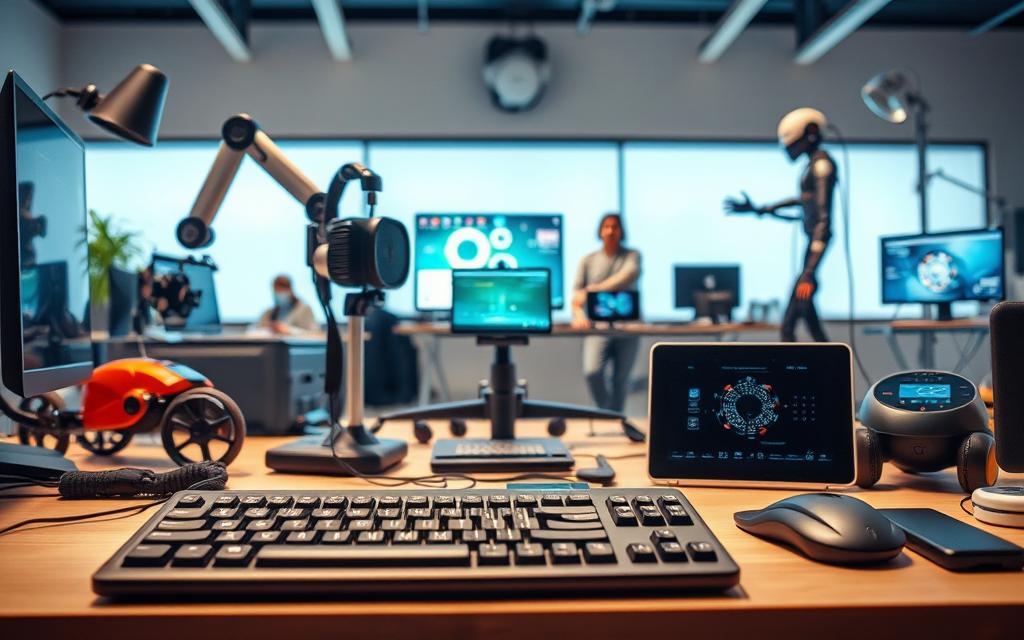
The World Health Organisation says assistive technology helps people with disabilities. It includes things like screen readers and mobility aids. These tools make sure everyone can take part in school, work, and everyday life.
The Assistive Technology Industry Association (ATIA) breaks it down into two types. Accessibility tools meet immediate needs, like text-to-speech software. Inclusion technologies help people fit into society better over time, with tools for the workplace.
Today’s assistive technology does more than just help. It makes places where everyone’s needs are thought of, not just met. This includes voice-controlled gadgets and touchable learning tools. They help both individuals and communities.
This article looks at how assistive devices help everyone. We’ll see how they make places more welcoming. We’ll also look at new trends in making things more inclusive in the US and around the world.
Understanding Assistive Technology Fundamentals
Today’s assistive devices do more than just meet basic standards. They help people join in with society. The US Technology-Related Assistance Act of 1988 says these tools are “any item or system that enhances functional capabilities for individuals with disabilities”. Now, global groups like the WHO also focus on digital and physical barriers.
Defining Assistive Technology in Modern Contexts
Now, we have everything from low-tech adaptations like tactile walking surfaces to AI speech recognition. The Assistive Technology Industry Association sorts these into different levels:
- Basic tools: Communication boards, grab bars
- Mid-range systems: Screen readers, hearing loops
- Advanced solutions: Eye-tracking interfaces, neuroprosthetics
Core Purposes: Accessibility vs Inclusion
Accessibility is about removing barriers (like wheelchair ramps). Inclusion is about making places where everyone can thrive. Let’s look at the differences:
| Accessibility | Inclusion |
|---|---|
| Reactive compliance | Proactive design |
| Physical adaptations | Social integration |
| Minimum standards | Universal participation |
Key Components of Effective Assistive Solutions
Good solutions need three things:
Related Posts:
- How Technology Is Changing Business Communication…

- How Technology Affected Globalization Connecting the World

- What Is IO in Technology Understanding Input Output Systems

- Is the US the Most Technologically Advanced Country?…
- What Is DWDM Technology Dense Wavelength Division…

- What Is PCB Technology The Basics of Printed Circuit Boards

- User-centred design: Adaptations that fit specific needs
- Interoperability: Working well with what we already have
- Affordability: Solutions that fit different budgets
Companies that focus on these assistive technology components see better retention of neurodiverse staff. Studies show a 42% increase. This shows the value of real inclusion over just meeting standards.
What Assistive Technology Means for Modern Accessibility
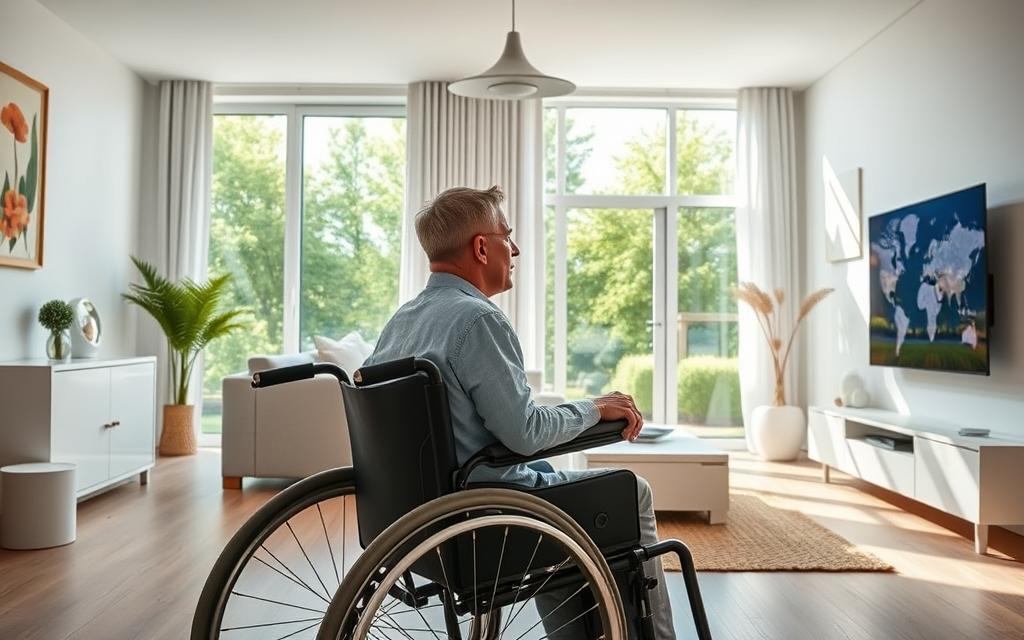
Modern assistive tools are changing how we use digital and physical spaces. They help people participate fully in life, not just manage their limitations.
Bridging Ability Gaps in Digital Environments
Digital tools now adapt to users, not the other way around. This shift is key to making digital spaces more accessible.
Screen Reader Innovations: JAWS vs NVDA
JAWS is top for Windows users, great with apps like Excel. It lets companies tailor software for users. NVDA software is open-source and free, perfect for those on a budget.
| Feature | JAWS | NVDA |
|---|---|---|
| Cost | Annual subscription | Free download |
| Customisation | Advanced scripting | Basic add-ons |
| Support | 24/7 professional | Community forums |
Voice Recognition Advancements: Dragon NaturallySpeaking
Dragon NaturallySpeaking now hits 99% accuracy for English. It’s a game-changer in the workplace, letting users:
- Write documents faster than typing
- Control software with voice
- Make custom vocab lists
Physical Space Adaptations Through Technology
Assistive tech is also changing how we move around in the world. It focuses on independence and safety.
Smart Home Integrations for Mobility Support
Voice control now handles 85% of home tasks. Smart home accessibility includes:
- Adjustable countertops with sensors
- Doors that open for wheelchairs
- Alerts with wearables
Wearable Navigation Aids for Visual Impairment
The Sunu Band uses GPS and haptic feedback. It helps users navigate 40% faster than with canes.
Major Categories of Assistive Tools
Assistive technologies have grown to meet specific needs. They help visually impaired users and offer AI support. These tools make it easier to work, learn, and live daily life.
Visual Impairment Solutions
Refreshable braille displays like the Orbit Reader 20 change how we interact digitally. It turns text into braille pins, making reading easier. Studies show it works fast, under 0.1 seconds, perfect for quick reading.
For more info, check out recent studies on accessibility.
Screen Magnification Software
Apps like ZoomText Magnifier/Reader enlarge text up to 36x. They keep interfaces clear and usable for those with low vision.
Hearing Support Technologies
Over 430 million people need hearing help worldwide (WHO). Real-time captioning systems like Ava offer 99% accurate live transcription. This is a big help in meetings.
Cognitive Assistance Platforms
These tools help with executive function challenges. “Cognitive apps don’t replace human capabilities – they augment existing strengths,” says Dr. Elena Torres.
Memory Aid Applications
Brain in Hand helps with crisis management. It integrates calendars and stress-reduction techniques. Users get reminders and coping strategies for tough times.
Focus Enhancement Tools
Freedom blocks distracting websites during work hours. It locks devices until the work period ends. This keeps users focused.
Implementation Strategies for Organisations
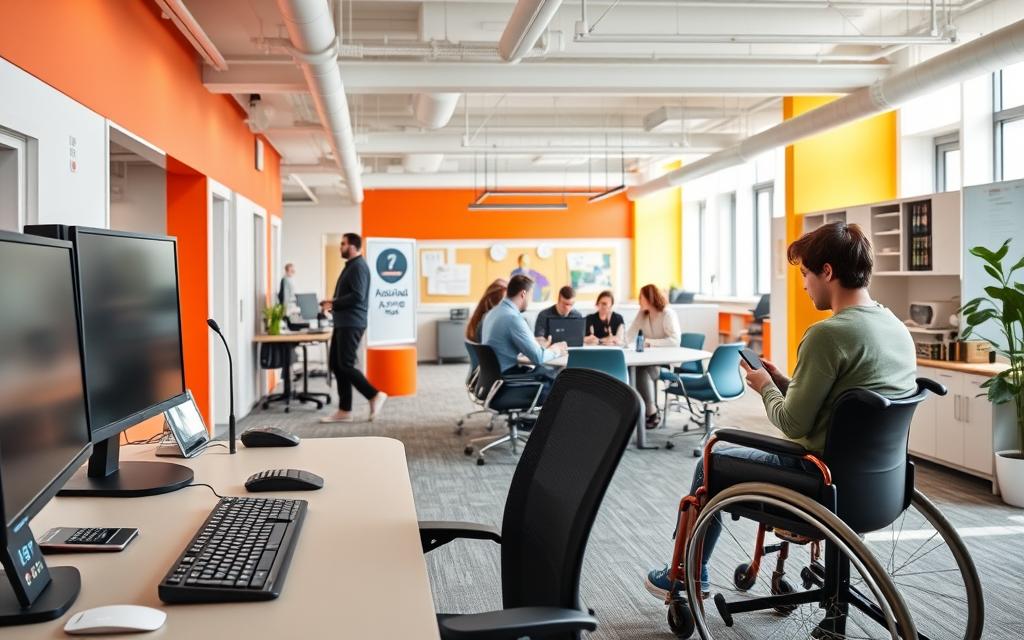
Putting assistive technology into action needs careful planning. It must fit with what the organisation wants to achieve. It’s about finding the right balance between tech needs and making things user-friendly. This approach is based on ATIA’s phased method for lasting success.
Workplace Accommodation Best Practices
Today’s businesses should make sure workplace accommodations work well with what they already have. A 2023 Gartner study showed that 68% of AT failures were because of poor checks on compatibility.
Compatibility With Existing IT Infrastructure
Do three key checks:
- Check what software and hardware you already have
- Try out the new tech with a few users first
- Keep getting feedback after it’s been set up
“Organisations that get 90%+ compatibility usually do regular checks on accessibility. They do these checks along with their usual IT upkeep.”
Staff Training Requirements
Good staff training programmes mix a few things:
- Make sure new staff learn about accessibility right away
- Update them on new AT features every few months
- Offer ways for staff to become experts in accessibility
Educational Institution Deployments
Schools and universities have special challenges with educational AT integration. They need to meet IEP needs. The University of California system saw a 40% better outcome for students after using tiered support.
Classroom Integration Techniques
Good ways include:
| Technology | Implementation | Success Metric |
|---|---|---|
| Screen readers | Pre-loaded on all devices | 100% access compliance |
| Captioning tools | Integrated with lecture capture | 83% engagement boost |
Exam Accommodation Technologies
Top schools now use:
- AI for understanding student answers
- Tools to extend time for digital exams
- Questions that use more than one sense
These tools keep exams fair but also help students, as Harvard showed in 2022.
Overcoming Implementation Challenges
By 2050, 3.5 billion people will need assistive technologies (WHO). Organisations face big challenges: justifying costs, training users, and making sure tech works together. They need a solid plan that fits real-world needs.
Balancing Costs and Long-Term Value
For small businesses, SME accessibility costs can be a big worry. But, the Access to Work scheme shows it’s worth it. A 2023 study found that businesses get back 78% of their investment in two years. This is thanks to better productivity and less staff leaving.
“Interoperability isn’t optional – it’s the backbone of inclusive tech ecosystems.”
Closing the Skills Divide
Age UK’s technology training programmes help close the digital gap:
- Bi-weekly hands-on workshops
- Peer-to-peer mentoring systems
- Simplified interface customisation
These methods cut tech abandonment by 62% in trial groups. It shows that the right support is more important than just having the tech.
Ensuring Cross-Platform Functionality
Assistive tech interoperability issues are clear when comparing big screen readers:
| Feature | iOS VoiceOver | Android TalkBack |
|---|---|---|
| Gesture Customisation | Limited | Full |
| App Compatibility | 92% | 84% |
| Update Frequency | Bi-annual | Quarterly |
Following GATE’s standardisation guidelines helps organisations deal with these issues. It keeps the user experience the same across different platforms.
Conclusion
The future of assistive technology is changing, thanks to inclusive design trends. By 2050, over 3.5 billion people will need these solutions, making innovation key. At the Assistive Technology Industry Association (ATIA) conference, new tech like AI and 5G was shown. These tools are making life easier for people with disabilities.
Now, products are made to be used by everyone, thanks to universal design. Companies like Microsoft and Apple are leading the way. Their products, like adaptive Xbox controllers and VoiceOver, show how accessibility is becoming a priority.
These changes are not just good for users but also for businesses. They help meet legal requirements and customer needs. The use of brain-computer interfaces in devices is a big step forward. It shows how technology can improve our lives in new ways.
Companies that focus on accessibility will be at the forefront of change. They will create fairer digital and physical spaces. With 76% of companies seeing better productivity after making their products accessible, it’s clear that it’s good for business too. Working together, we can keep making progress in this field.
FAQ
How does the WHO define assistive technology compared to the US Tech Act?
The World Health Organisation (WHO) sees assistive technology as systems that help people function better and stay independent. The US Tech Act focuses on making things accessible to follow laws like Section 508 and the ADA. The WHO’s view is more about being inclusive, not just following rules.
What distinguishes basic communication boards from advanced computer-based assistive solutions?
Basic boards are simple, using symbols for quick communication. Advanced systems, like Tobii Dynavox, offer complex control and social interaction. They use smart home tech and custom interfaces for better social participation.
Why do organisations choose JAWS over NVDA despite cost differences?
JAWS is popular in big companies for its advanced features and support. But, NVDA is cheaper and has caught up in features like PDF reading and braille support.
How does the Access to Work scheme influence assistive technology ROI calculations?
The UK’s Access to Work scheme pays for assistive tech for employees. This changes how companies see the value of tools like Dragon Professional. It’s about how much work gets done and the cost savings.
What interoperability challenges exist between iOS and Android assistive features?
iOS and Android have different ways of using gestures and apps. This makes it hard for users to switch. The Global Cooperation on Assistive Technology wants standards for voice commands and haptic feedback to help.
How do next-gen hearing aids improve upon traditional live captioning services?
New hearing aids, like Phonak Marvel, stream audio directly to phones and systems. They use AI to cut down background noise. This is better than old captioning services, but new tech like Otter.ai is also making things more accessible.
What makes the Orbit Reader 20 significant in braille technology development?
The Orbit Reader 20 is affordable and portable. It has a 20-cell braille display and USB-C. It’s a big step forward for braille in education and work, thanks to its price and OpenBook software.
How do Disability Confident employer schemes impact assistive technology adoption?
The UK’s Disability Confident scheme encourages employers to be more inclusive. It helps them use tools like Texthelp Read&Write. Employers get help to find the right technology for their needs.
